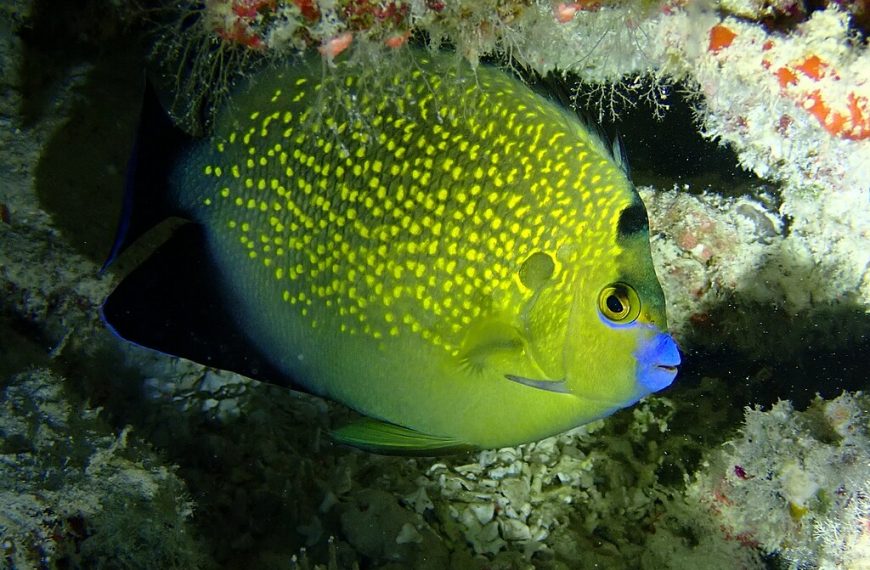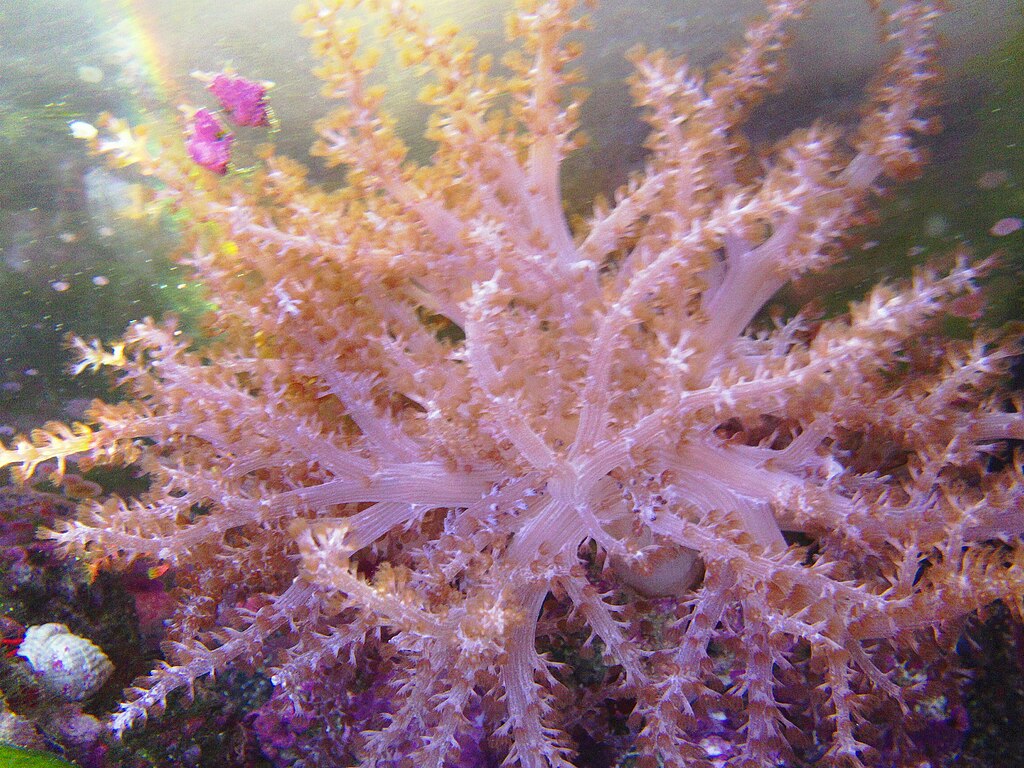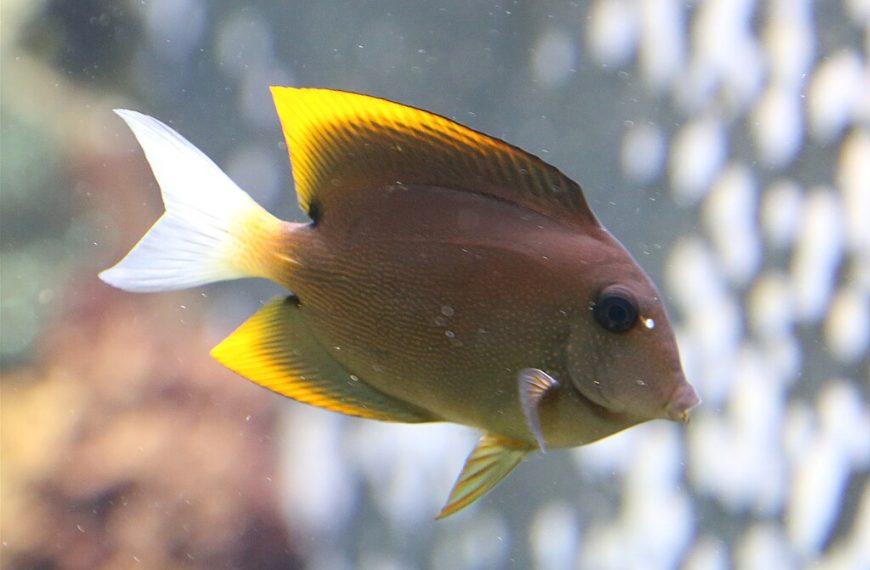

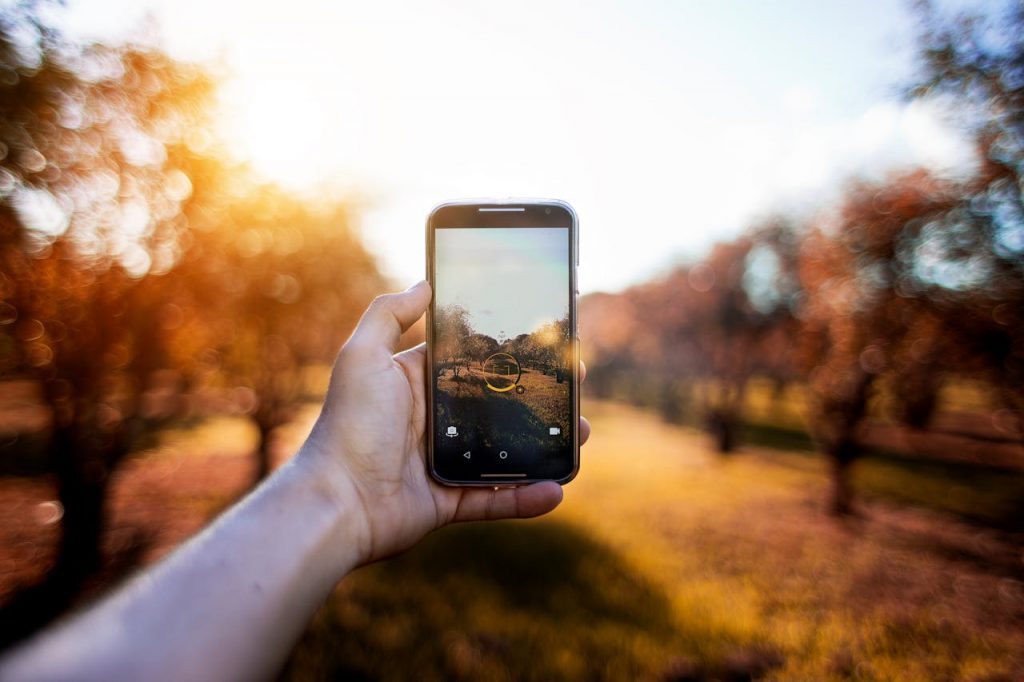
Glare and reflections can ruin an otherwise sharp aquarium photo. The good news is you can control them with simple setup changes. A few small habits will raise your keeper rate fast.
Why glare happens in aquarium photos
Most glare comes from light bouncing off the front glass. Room lights, windows, and even your phone screen can reflect. The camera then records those bright spots instead of your fish.
Tank lights also create problems. LEDs can form hot spots and shimmer lines. Those highlights clip easily at ISO 800 and above. They also confuse autofocus in low contrast scenes.
Angle matters more than gear. A small change in shooting position can remove a reflection. Start by moving 10–20 cm left or right. Then raise or lower the lens by 5–10 cm.
Dirty glass increases flare and haze. Salt spray acts like a diffuser. Micro scratches can scatter light too. Clean both sides of the glass before any session.
- Turn off room lights behind you before shooting.
- Close curtains if a window faces the tank.
- Wear dark clothing to reduce body reflections.
- Clean outside glass with a damp microfiber cloth.
Practical ways to control reflections and glare
Start with the simplest fix. Press the lens hood against the glass. If you lack a hood, use a folded black cloth. This blocks side light and reduces mirror reflections.
Use a rubber lens hood for close work. It seals better on uneven trim. It also protects the glass from your lens. For phones, use a clip-on shade or a DIY foam ring.
Control the tank lighting for photos. Reduce white channels to 20–40% for fish portraits. Keep blue channels higher for fluorescence shots. Try a consistent setting for repeatable colors.
A circular polarizer helps in some cases. Rotate it until reflections dim. It works best on angled shots, not straight-on. Expect a 1–2 stop light loss, so raise ISO carefully.
- Shoot straight on to minimize distortion and edge reflections.
- Use shutter speed 1/125 to 1/250 for active fish.
- Start at ISO 400, then increase only as needed.
- Use aperture f/4 to f/8 for coral depth and sharpness.
If you use flash, keep it off-axis. Bounce it from a ceiling or side wall. Direct flash aimed at the glass will reflect straight back. Many hobbyists get better results with no flash at all.
For more camera basics, see our reef aquarium photography guide. For cleaning routines that reduce haze, read aquarium glass cleaning best practices.
Troubleshooting common glare scenarios
If you see a bright rectangle, it is often a window reflection. Move the tank light forward by 2–5 cm if possible. Then shoot from a lower angle. You can also hang a dark towel behind you.
If you see dots or streaks, check for salt spray. Wipe the outside glass again. Then inspect the inside pane with a flashlight. A thin biofilm can reduce contrast in macro shots.
If your fish looks washed out, your highlights are clipped. Lower exposure by -0.3 to -1.0 EV. Use your histogram if available. Keep the right edge from piling up.
If you get double images, you may be shooting through angled glass. Avoid the curved corners of bowfront tanks. Stay near the center panel. For more on composition, visit aquarium photo composition tips.
- Reflection won’t go away: change your angle first, not your settings.
- Shimmer bands: lower white intensity and raise shutter speed.
- Soft photos: clean glass, then use single-point autofocus.
- Green tint: set a custom white balance using a gray card.
Glare control is mostly about controlling stray light and angles. Clean glass, block side light, and keep settings consistent. With a few repeats, you will get crisp, reflection-free aquarium images.
Sources: Reef2Reef forum photography threads; Nikon Learn & Explore on polarizing filters; Canon USA education articles on exposure and reflections.
Was this helpful?
Related Posts
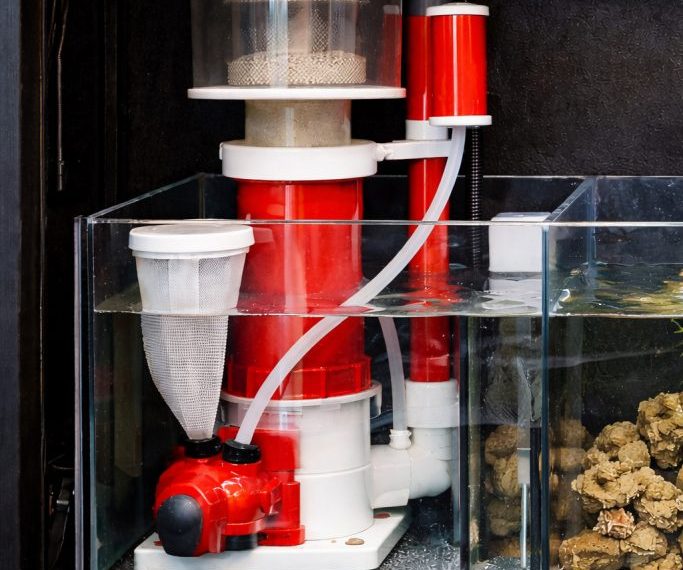
Protein Skimmer Reef Tank Guide
Learn how a protein skimmer works, how to size one, and how to tune it for a cleaner,…
 By
By
Reef Aquarium Water Parameters
Learn the ideal reef aquarium water parameters, safe ranges, and how to keep salinity, alkalinity, nutrients, and pH…