
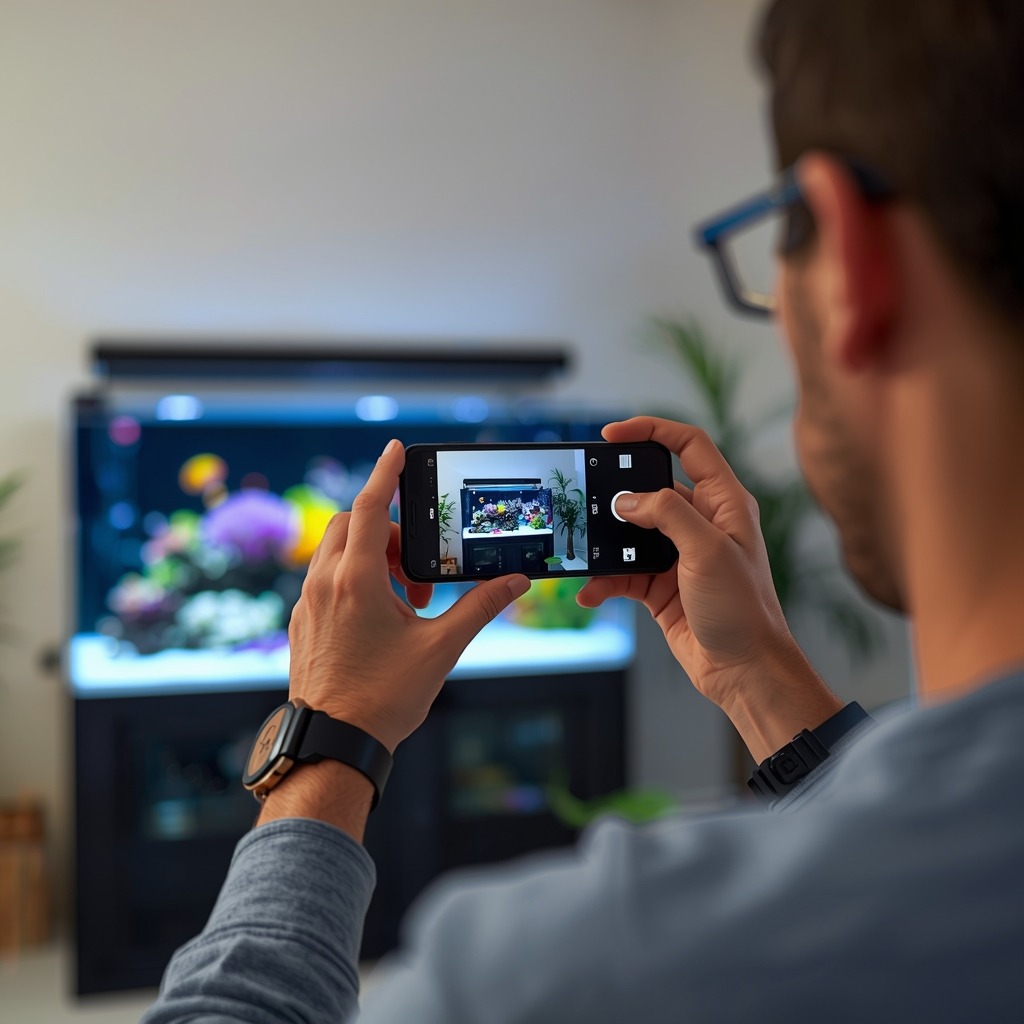
Great reef photos are possible with the phone in your pocket. Modern sensors and smart processing can capture coral color and fish detail. You just need stable settings and a simple workflow.
Prep the tank and control the light
Start with clean glass and calm flow. Wipe the outside with microfiber. Use a magnetic cleaner inside. Wait 15 minutes after feeding. Fish will be less frantic.
Turn off room lights to cut reflections. Shoot square to the glass. Keep the phone lens close to the pane. Use a rubber lens hood if you have one. Even a dark T-shirt helps.
Blue-heavy LEDs confuse auto white balance. Set a repeatable look before you shoot. If you use a gel filter, pick one and stick with it. Many hobbyists like 15K–20K for photos. Avoid heavy actinic for true color.
Use a tripod or a clamp mount when possible. A 2-second timer reduces shake. For fish, use burst mode instead. Keep ISO low for cleaner detail. Aim for ISO 50–200 when you can.
- Clean glass first, then wait for microbubbles to clear.
- Turn off wavemakers for 5–10 minutes for coral shots.
- Dim whites slightly if highlights clip on sand or tips.
- Use reef lighting basics to match your photo look to your schedule.
Use Pro, RAW, and ProRAW the right way
Phone “Pro” modes give you control over shutter, ISO, and focus. That control matters through aquarium glass. Start with 1/60 for coral and 1/250 for fish. Raise ISO only if you must. Lock focus on the coral face, not the glass.
Samsung’s Pro mode is great for consistent exposures. Use manual white balance when available. Try 8,000K to 12,000K as a starting range. Then fine-tune by eye. Save the same settings for future sessions.
Samsung’s RAW mode can preserve more highlight detail. It also keeps more color data for edits. Expect larger files and more noise if ISO climbs. Shoot RAW when the scene is stable. Coral portraits and full tank shots are ideal.
Apple ProRAW is a strong middle ground. It keeps computational benefits while saving flexible files. That helps with mixed LED lighting and shimmer. You can recover shadows without banding. Still, avoid underexposure. Underexposed ProRAW can show noise in blue channels.
- Coral: 1/60–1/125, ISO 50–200, focus locked on tissue.
- Fish: 1/250–1/500, ISO 200–800, burst shots.
- Full tank: 1/30–1/60 on a tripod, ISO as low as possible.
- Use white balance tips to keep blues from crushing detail.
Edit for true color and troubleshoot common problems
Edit with a light touch and a consistent goal. First, set white balance using a neutral area. Sand can work if it is not too blue. Next, lower highlights to recover coral tips. Then lift shadows slightly for rock texture.
Watch saturation and vibrance. Too much makes corals look fake. It also hides polyp detail. Instead, increase clarity or texture in small steps. A value of +5 to +15 is often enough.
If your photos look purple, your white balance is off. Reduce magenta tint first. Then warm the image slightly. If everything looks flat, you may be shooting through dirty glass. You may also be clipping highlights from intense LEDs.
Shimmer can cause banding in video and stills. Try a faster shutter or reduce surface agitation. Some phones flicker under certain LED PWM rates. Switch to 60 fps or 30 fps and test. For serious video, use manual exposure lock.
- Blurry shots: raise shutter speed, then add ISO as needed.
- Green cast: reduce green tint and check your filter placement.
- Noise in blues: expose slightly brighter and reduce shadows later.
- Learn more in our maintenance checklist to keep the display photo-ready.
Modern phones can deliver magazine-ready reef images with simple habits. Control reflections, lock settings, and shoot with intent. Use Samsung Pro and RAW, or Apple ProRAW, when you need edit flexibility. With practice, your reef will photograph as well as it looks.
Sources: Apple ProRAW documentation; Samsung Camera Pro/RAW feature notes; Adobe Lightroom mobile help guides; Reef2Reef forum discussions on blue LED white balance.
Was this helpful?
Related Posts
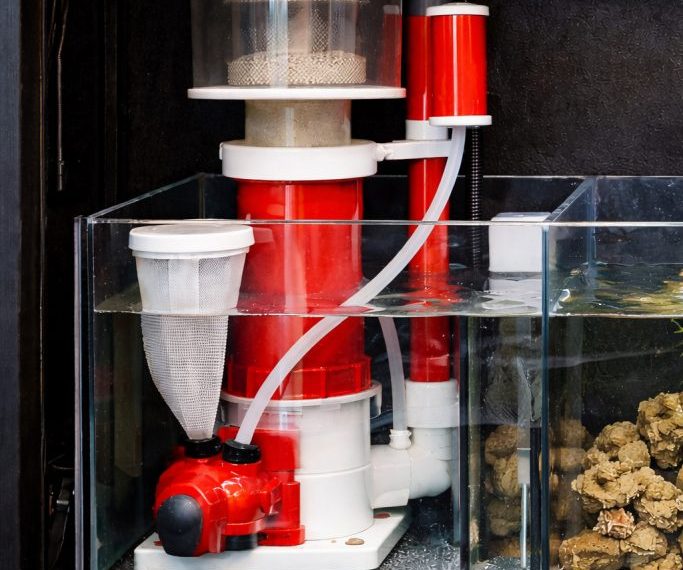
Protein Skimmer Reef Tank Guide
Learn how a protein skimmer works, how to size one, and how to tune it for a cleaner,…
 By
By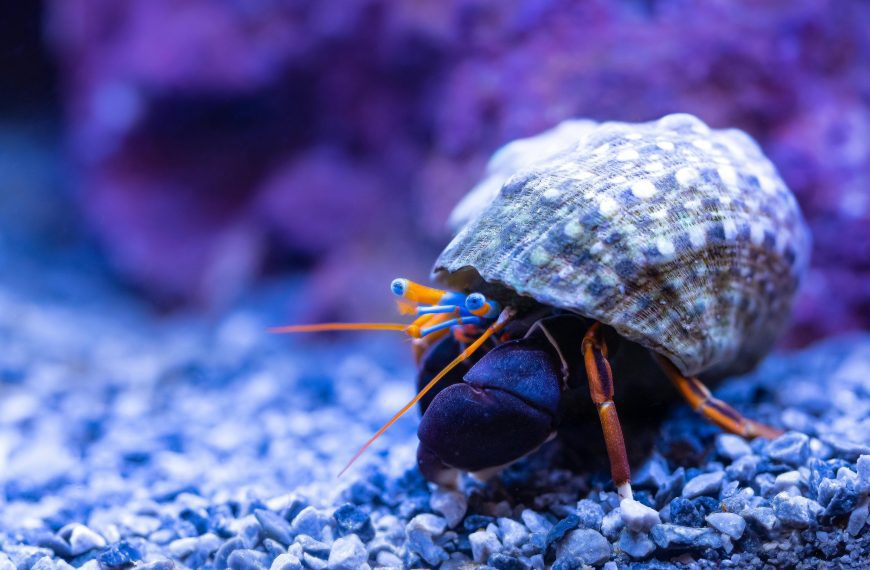
Best Reef Safe Cleanup Crew
The best reef safe cleanup crew includes hardy snails, selective scavengers, and a few specialty invertebrates matched to…