
A bacterial bloom can turn a clear reef tank into a white haze overnight. It looks scary, but it is usually fixable with calm, measured steps.
Most blooms happen after a change in nutrients, filtration, or dosing. Your goal is to protect oxygen levels and restore stability.
What a bacterial bloom is, and why it happens
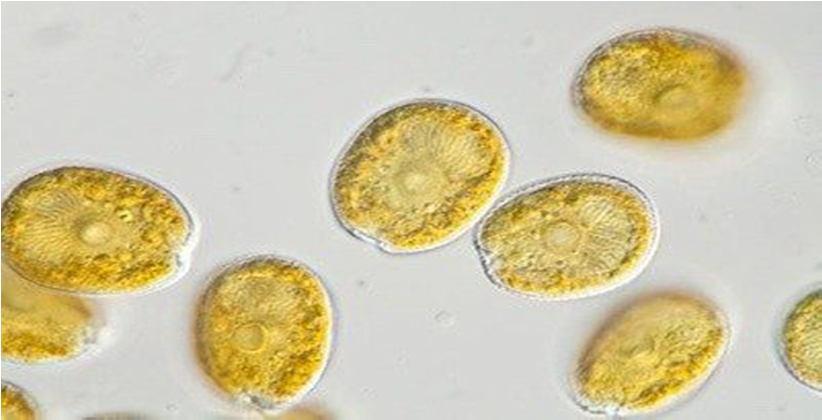
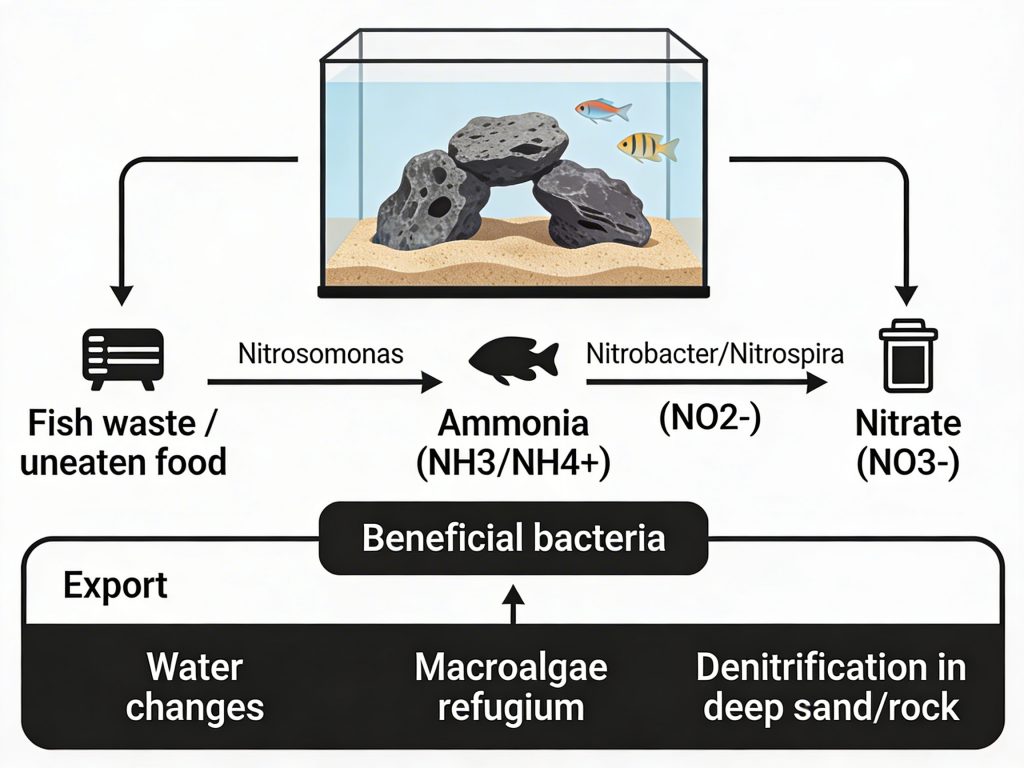
A bacterial bloom is a sudden rise in free-floating bacteria. These bacteria multiply in the water column. They scatter light and cause cloudy water.
The most common trigger is extra dissolved organics. This can follow heavy feeding, a dead snail, or dirty filter socks. It can also follow a sandbed stir or rock work change.
Carbon dosing can also spark blooms. Vodka, vinegar, and commercial blends feed heterotrophic bacteria fast. A jump in dose can cloud water within 12 to 24 hours.
New tanks can bloom during cycling too. This is common in weeks 1 to 4. It can also happen after a big water change that shifts bacteria balance.
- Common timing: 6 to 24 hours after a feeding spike or dosing change.
- Common look: milky white or gray haze, not green algae tint.
- Key risk: oxygen drop at night when bacteria respire.
If fish gasp at the surface, treat it as urgent. Low oxygen can kill fish before the water clears. Check your reef tank water parameters and watch behavior closely.
Immediate actions to protect fish and corals
Start by boosting gas exchange. Point powerheads toward the surface. Open the skimmer air intake fully. If you have an air pump, add an airstone in the sump.
Pause carbon dosing and reduce feeding for 24 to 48 hours. Feed fish lightly once daily. Use small portions they finish in 30 to 60 seconds.
Run fresh activated carbon in a high-flow area. Use 1 cup per 50 gallons as a starting point. Replace it after 3 to 5 days if cloudiness persists.
Consider a UV sterilizer for fast clearing. Size it for your system volume. Aim for slower flow for bacterial control, often 1 to 2 times tank volume per hour.
- Increase surface agitation and skimmer aeration right away.
- Stop carbon dosing until the tank is clear and stable.
- Do a 10% water change if ammonia is detectable.
Test ammonia and nitrite during a bloom. Ammonia should be 0.00 ppm. If you see 0.10 ppm or higher, act fast with water changes and detoxifier.
Keep lights on the normal schedule. Do not black out for a bacterial bloom. Light control helps algae, not bacteria.
Fix the root cause and prevent the next bloom
Track what changed in the last two days. Look for a missed water change, a clogged sock, or a dead animal. Smell test helps. A foul odor often signals decay.
Clean mechanical filtration often during recovery. Swap filter socks daily for three days. Rinse sponges in discarded saltwater, not tap water.
Stabilize nutrients with clear targets. Aim for nitrate 2 to 15 ppm. Aim for phosphate 0.03 to 0.10 ppm. Avoid chasing zero, which can destabilize bacteria.
If you carbon dose, ramp slowly. Increase by no more than 10% per week. Pair dosing with strong skimming. Review your reef tank maintenance schedule to keep exports consistent.
- Do not over-clean live rock or sand in one session.
- Quarantine and inspect new rock for die-off and sponges.
- Keep salinity stable at 1.025 to 1.026 specific gravity.
A common mistake is large, repeated water changes. This can swing alkalinity and salinity. Use smaller changes, like 10% every 24 hours, only if tests demand it.
Another mistake is adding bottled bacteria during an active bloom. It can add more biomass. Use it only after the water clears, if you had an ammonia spike.
If blooms keep returning, review your export tools. Check skimmer performance and air draw. Confirm your UV bulb age. Replace most UV bulbs every 9 to 12 months.
For more diagnostics, compare symptoms with our cloudy reef tank water guide. It helps separate bacteria from algae and sand dust.
Sources: Reef2Reef community case studies on bacterial blooms; Fenner, R. “The Conscientious Marine Aquarist”; Delbeek & Sprung, “The Reef Aquarium” Vol. 1–3.
 By
By
.jpg)
